
Table of Contents
- Quick Comparison: Top Network Security Solutions for SMBs
- How We Evaluated These Network Security Solutions
- 1. Red Diamond Information Services: All-Inclusive Managed IT Security for Small Business
- 2. SentinelOne Falcon Go: AI-Powered Endpoint Protection
- 3. Fortinet FortiGate: Next-Generation Firewalls for Your Network Perimeter
- 4. KnowBe4: Employee Security Awareness Training
- 5. Huntress: Managed EDR for Hidden Threats
- 6. RocketCyber: 24/7 Threat Monitoring for Small Teams
- Security Budgeting and Tool Fatigue: What Most Guides Miss
- Frequently Asked Questions
Last Updated: September 28, 2026
Quick Comparison: Top Network Security Solutions for SMBs
Small businesses face the same threats as large enterprises with a fraction of the budget and staff. This guide from Red Diamond Information Services offers insights into network security solutions for SMBs so you can build a practical stack without overspending.
Quick Picks:
- Best Overall: Red Diamond Information Services, all-inclusive managed security and IT support for small teams
- Best for Endpoints: SentinelOne Falcon Go, AI-driven protection at a low per-device cost
- Best for Firewalls: Fortinet FortiGate, perimeter defense and secure remote access in one appliance
- Best for Training: KnowBe4, turns employees into your first line of defense
| Solution | Best For | Starting Price | Standout Feature |
|---|---|---|---|
| Red Diamond Information Services | Full IT and security management | Quote-based | All-inclusive local support |
| SentinelOne Falcon Go | Endpoint protection | $4.99/device/month | Behavioral AI prevention |
| Fortinet FortiGate | Network perimeter | Contact for pricing | Integrated intrusion prevention |
| KnowBe4 | Security awareness | Contact for pricing | Simulated phishing campaigns |
| Huntress | Managed EDR | Contact for pricing | Ransomware canary files |
| RocketCyber | 24/7 monitoring | Contact for pricing | Managed SOC platform |
How We Evaluated These Network Security Solutions
Each solution was judged on four criteria: protection for small businesses, ease of setup and management, cost relative to a small IT budget, and fit with tools you already run. A ten-person law firm in Huntsville does not need the same stack as a fifty-person clinic in Madison. We prioritized options that reduce tool fatigue and providers serving northern Alabama, specifically Morgan, Madison, and Cullman counties.
1. Red Diamond Information Services: All-Inclusive Managed IT Security for Small Business
Red Diamond Information Services provides comprehensive IT solutions for small businesses that want network security handled end to end without hiring a full IT department. With over 12 years of experience, the team manages helpdesk support, network security, cloud migration, and data backups as one service.

Pros:
- All-inclusive coverage: security, helpdesk, backups, and cloud in one provider
- Local service across Morgan, Madison, and Cullman counties
- Proactive monitoring and deep web scanning for leaked data
Cons:
- Pricing is quote-based, so you need a consultation to compare costs
Small businesses with 10-100 employees, including law firms and healthcare clinics, that want one local provider managing security and daily IT.
2. SentinelOne Falcon Go: AI-Powered Endpoint Protection
SentinelOne Falcon Go brings enterprise-grade endpoint security to small teams. Its behavioral AI watches how programs act, not just what they look like, catching threats that signature-based antivirus misses.
3. Fortinet FortiGate: Next-Generation Firewalls for Your Network Perimeter
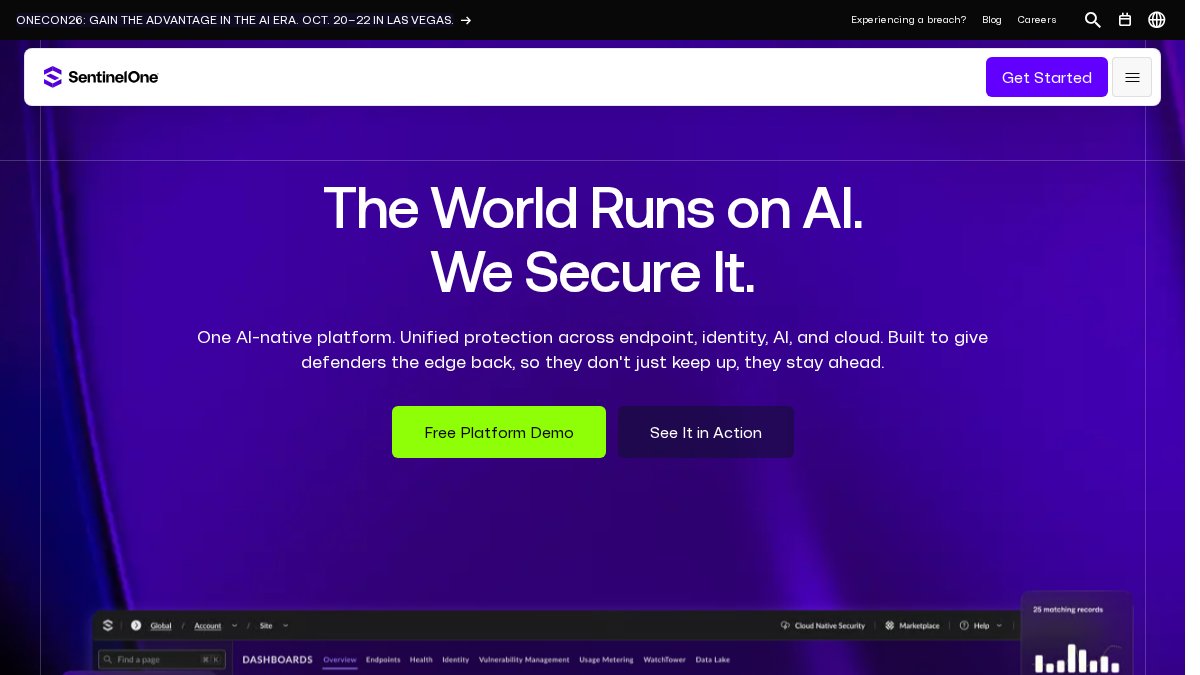
Fortinet FortiGate is a next-generation firewall (NGFW) that guards the network perimeter with deep packet inspection, an integrated intrusion prevention system, and advanced web filtering. For remote workers, its secure SD-WAN and VPN capabilities keep branch and home connections encrypted.
4. KnowBe4: Employee Security Awareness Training
KnowBe4 attacks the weakest link in any security stack: people. Most breaches that hit small businesses start with a person, not a machine. Someone clicks a link or approves a fake login prompt. Training can help reduce that risk without buying more hardware.
How It Actually Works
The platform runs on a simple loop:
- Baseline. You start with a simulated phishing campaign to see who clicks. No lectures, no shaming, just a snapshot of where your team stands today.
- Train. Employees who click get assigned short, interactive training modules. The content adapts to the mistake, so someone who fell for a fake invoice gets invoice-fraud training, not a generic slideshow.
- Re-test. New simulations go out on a schedule. Over time, you can see your click rate drop.
- Report. Dashboards show your “human risk score” by person and by department, so you know where to focus.
Why This Matters More for Small Businesses Than Big Ones
A large company has layers of defense between an employee and the crown jewels. A ten-person office often does not. One successful phishing email can hand an attacker a working login, and from there they can reach email, files, and payment systems. Training is an effective layer you can add and it can help protect every other layer you have already paid for.
The Compliance Angle
If you work in healthcare, legal, finance, or any field with regulatory obligations, you likely need to document that staff completed security awareness education. KnowBe4’s reporting makes that easy: pull completion records and training history when an auditor or insurer asks.
Where It Falls Short
Training is not set-and-forget. It works best when someone owns the program, reviews reports, and follows up with repeat clickers. If nobody checks the dashboard, click rates drift back up. It also does not replace technical controls, which is why endpoint protection and email filtering stay in the stack.
Pair training with a simple internal rule: any request to change payment details or wire money gets verified by phone using a number you already have on file, never a number in the email. This one habit blocks a large share of business email compromise attempts.
Who It Is Best For
Businesses with 10 to 100 employees that handle client data, payments, or regulated information, and want a measurable way to reduce human risk without hiring a security team. It pairs naturally with a managed provider who can run the program and report back in plain language.
5. Huntress: Managed EDR for Hidden Threats
Huntress specializes in threats traditional antivirus misses, including ransomware and “living-off-the-land” attacks that hide inside legitimate system tools. Ransomware canary files act as early warning sensors: if encryption starts, the canary trips and the team responds.
6. RocketCyber: 24/7 Threat Monitoring for Small Teams
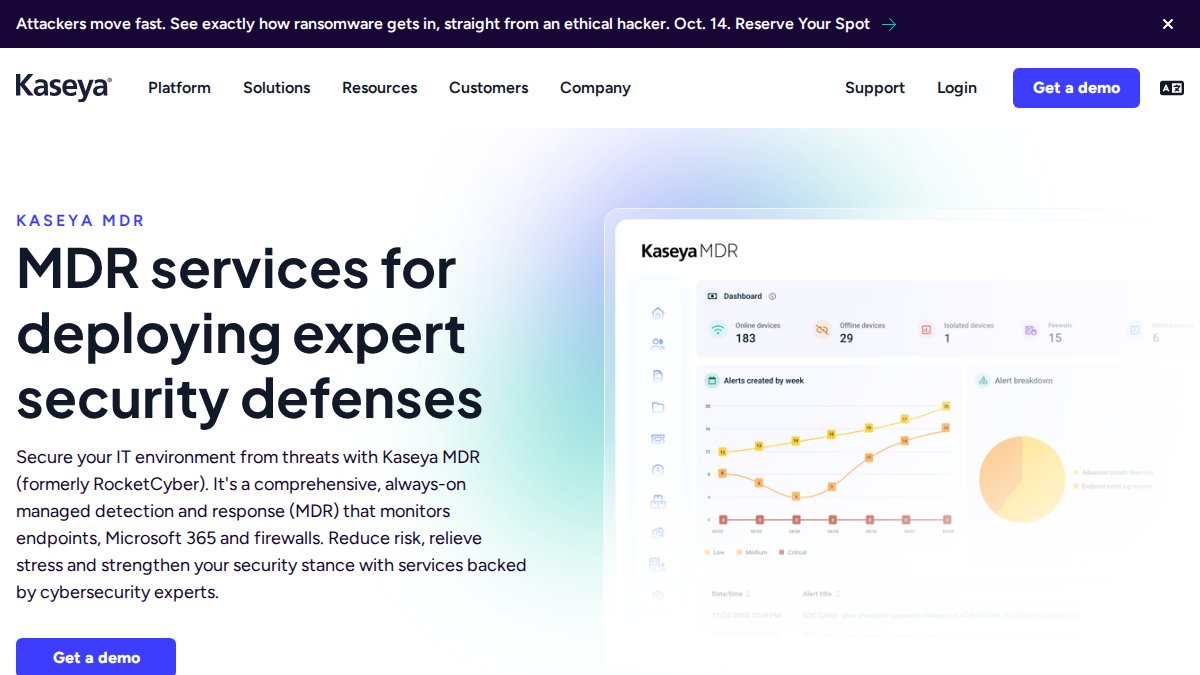
RocketCyber is a managed security operations center (SOC) platform built for businesses without an internal security team. It monitors endpoints, firewalls, and antivirus around the clock, with a dashboard simple enough for non-experts to read.
Security Budgeting and Tool Fatigue: What Most Guides Miss
Most guides hand you a list of tools and stop there. The hard part for a small business owner is deciding how much to spend, in what order, and when to stop adding products. This section covers the framework most vendor-written guides skip.
Start With a Simple Risk Assessment, Not a Product List
Before you budget a dollar, write down four things:
- What data would hurt most if it leaked or disappeared? Client files, patient records, payroll, and payment details usually top the list.
- Who could reach it? Every employee, contractor, and vendor with a login is a path in.
- What would it cost you to be down for a week? Lost billable hours, missed payroll, and angry clients add up fast.
- What rules apply to you? A clinic handling patient records and a law firm handling case files have different obligations, and those obligations shape what you must buy first.
This exercise takes an afternoon and tells you which gaps matter and which tools are just noise.
A Practical Budget Split
A common pattern among small businesses is to divide security spending into three buckets, in this order:
- Prevention first. Firewall, endpoint protection, patching, and employee training. This is where the majority of your security budget should sit, because stopping an attack is cheaper than cleaning one up.
- Monitoring second. Someone or something watching for what prevention missed. This is where a managed provider earns its keep, since alerts nobody reads are worthless.
- Recovery third. Backups and a tested restore plan. This is your insurance policy, and it is the bucket most small businesses underfund until the day they need it.
Tool Fatigue Is a Real Security Risk
Buying many tools does not necessarily make you safer. It can sometimes make you slower. Every product adds a dashboard, a login, an alert stream, and a renewal date. When alerts pile up and nobody owns them, real warnings can get buried. Ignored alerts can be worse than no alerts because they may create false confidence.
- Endpoint protection on every device
- A properly configured firewall
- Trained employees who recognize a phishing email
Unified Stack or Best-of-Breed? How to Decide
The honest answer is that both models work, but they suit different businesses.
Three Questions to Ask Any Vendor Before You Sign
- How does this integrate with what I already run? If the answer involves ripping everything out, keep looking.
- Who looks at the alerts, and when? If the answer is “you do,” make sure you actually will.
- What happens on day one if we get hit? A vendor who cannot describe their incident response in plain language is not ready for your business.
Budget in this order: prevention, then monitoring, then recovery. Buy fewer tools and manage them well. Ask about integration before price, because a cheap tool that does not talk to your other systems costs more in the long run.
Skipping patch management is a common gap. One unpatched machine can compromise an entire security stack, and attackers scan for known vulnerabilities automatically. Making sure every device is updating on a schedule is a critical step.
What to Do in the First 24 Hours After a Breach
Prevention gets all the attention, but knowing what to do when something slips through matters just as much. A first-24-hours checklist:
- Disconnect, do not delete. Pull affected machines off the network, but leave the evidence in place. Deleting files can destroy the trail investigators need.
- Call your IT provider or security contact immediately. Speed matters more than pride.
- Change passwords from a clean device. Start with email and anything tied to money.
- Check your backups. Confirm they are intact and were not touched. This is why recovery belongs in the budget.
- Notify anyone who needs to know. That may include your bank, your insurance carrier, and in some cases clients or regulators, depending on what was exposed.
- Write down what happened and when. A simple timeline helps your provider, your insurer, and your lawyer.
Frequently Asked Questions
What are the four main types of network security solutions?
Network security solutions generally fall into four categories. Firewalls monitor and control incoming and outgoing traffic. Endpoint detection and response (EDR) tools protect individual devices like laptops and desktops. Identity and access management (IAM) systems control who can log in and what they can access. Security awareness training educates employees on how to spot phishing and other social engineering attacks. Most SMBs need a mix of all four to build a strong cybersecurity posture.
How can small businesses improve their network security on a budget?
Start with the basics. Enable multi-factor authentication on all business accounts, keep software patched, and train employees to recognize phishing emails. These steps cost little but block many common attacks. You can also consolidate tools, as some platforms combine several functions into one subscription, which can reduce costs and management time. Managed IT security for small business is another option, as it spreads the cost of expert support across a monthly fee.
What is the best EDR solution for small businesses?
The best EDR solution depends on your team’s size and technical skill. SentinelOne Falcon Go is a strong choice for businesses that want automated, AI-powered protection with a simple interface. Huntress is ideal if you need managed detection for threats that bypass traditional antivirus. Both options offer real-time monitoring and incident response guidance. For SMBs without an internal security team, a managed service can handle monitoring for you.
Why is network security critical for small and medium-sized businesses?
SMBs are prime targets for cybercriminals because they often lack the defenses of larger companies. A single data breach can lead to lost customer trust, regulatory fines, and costly downtime. For businesses in healthcare or law, a breach can also violate compliance standards like HIPAA. Strong network security protects your data, your reputation, and your ability to keep operating. It is not just an IT issue; it is a business survival issue.